


66.495
851
66.495
851
Information:
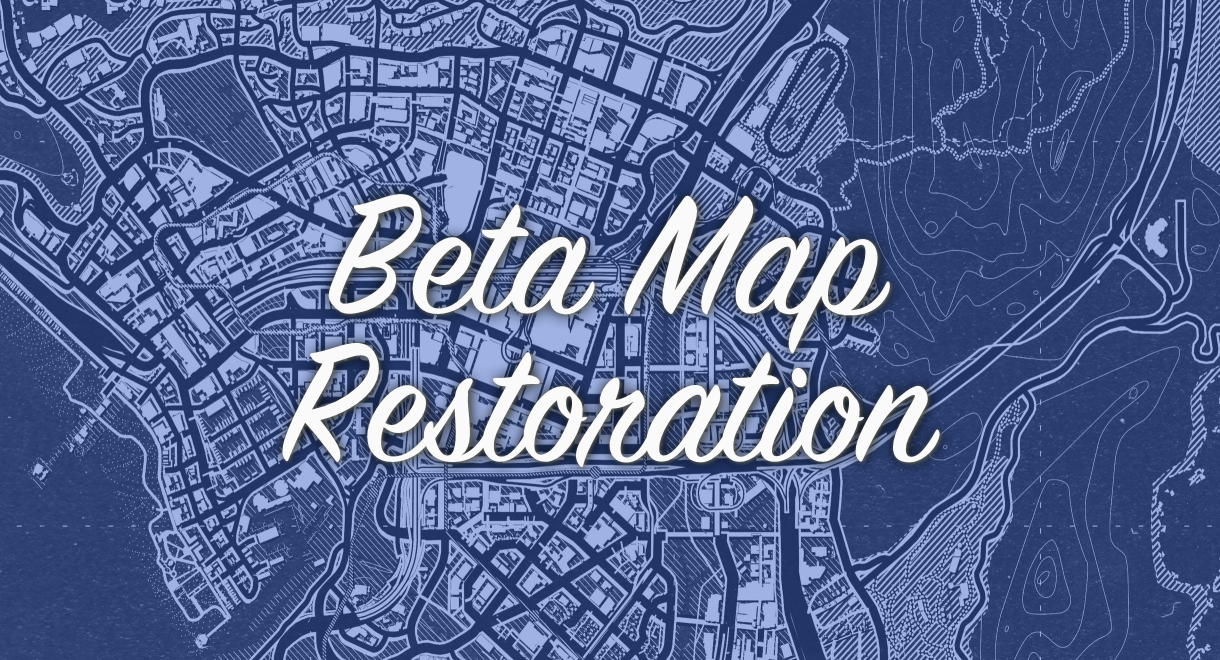
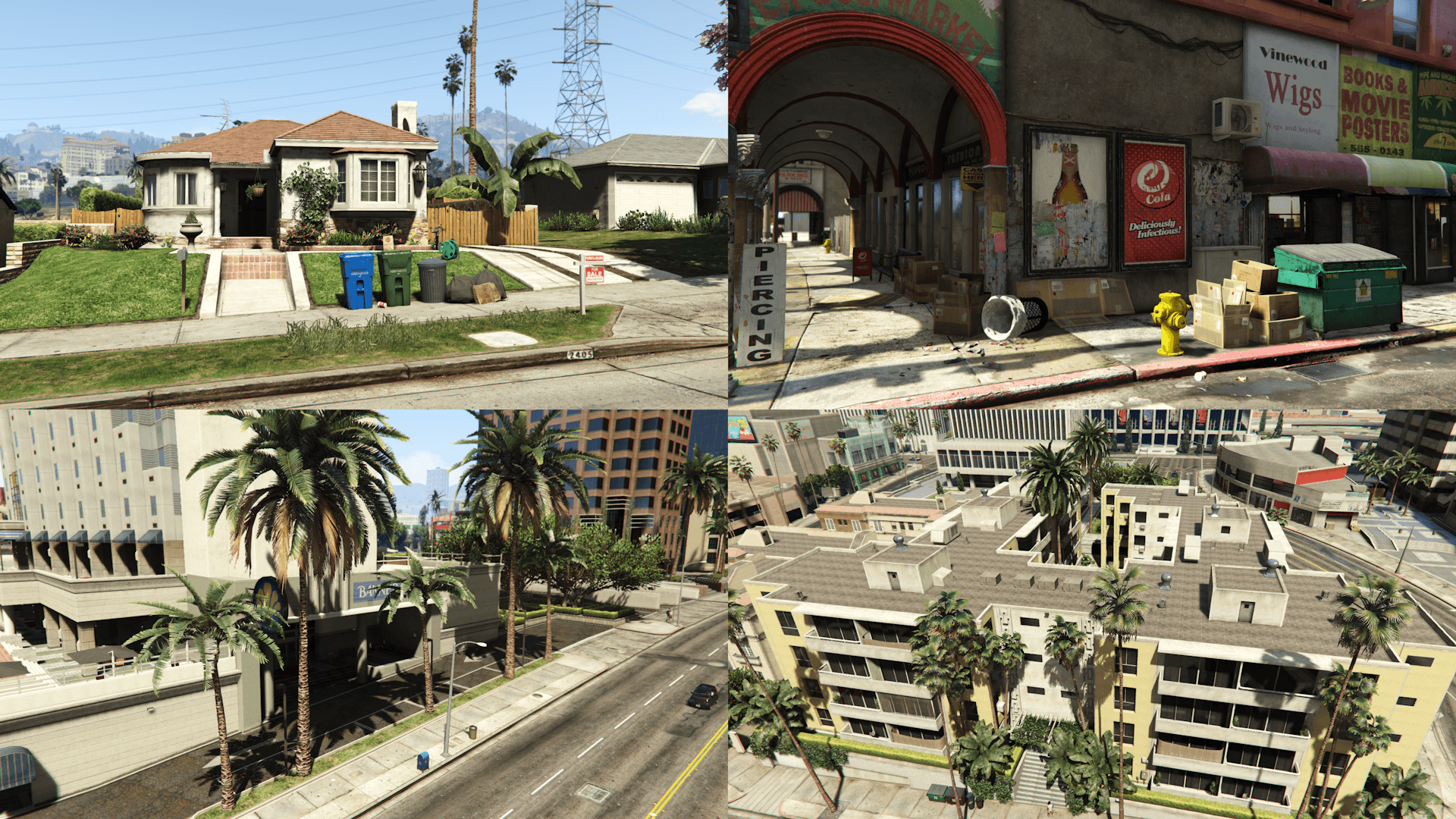
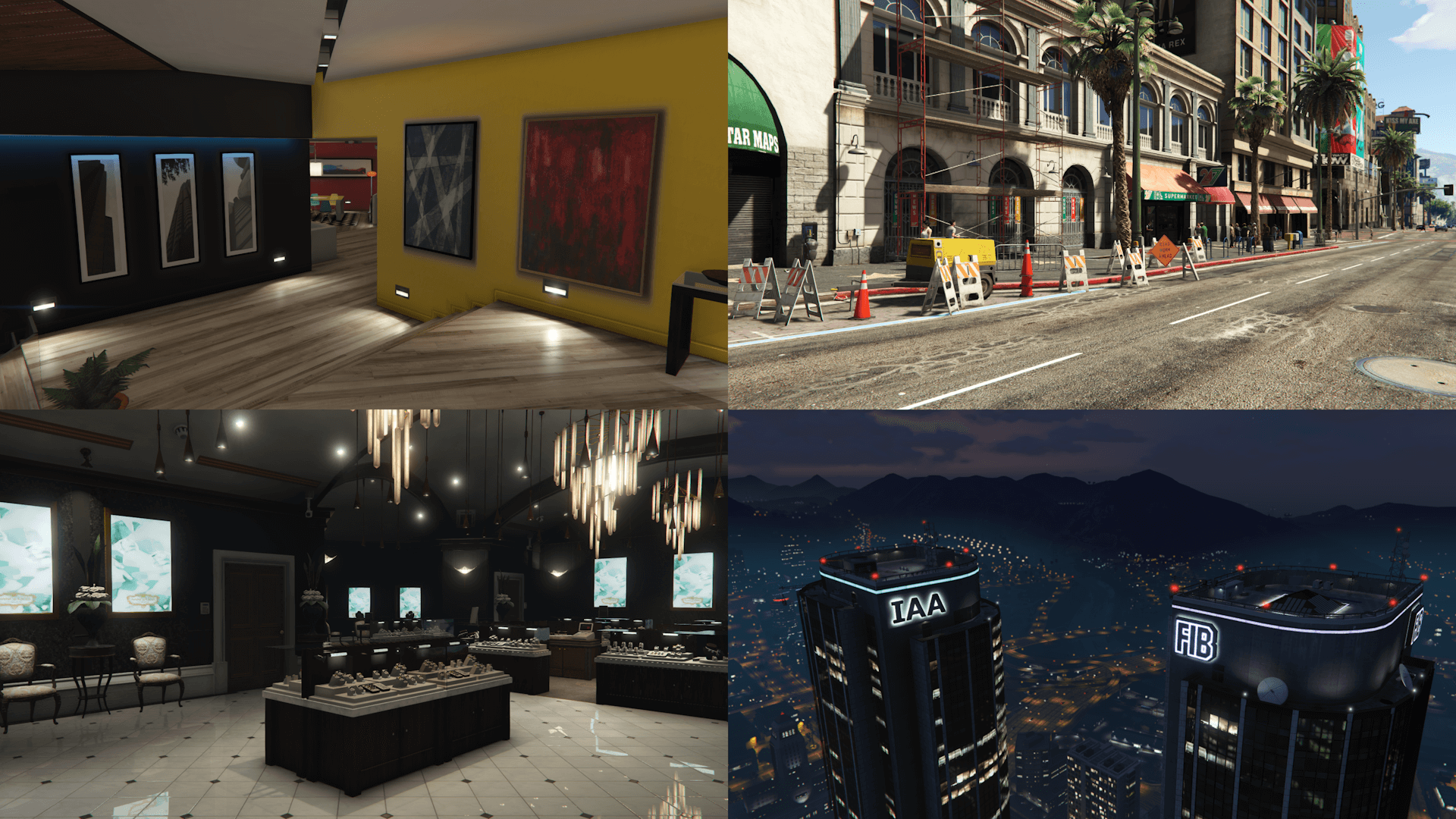
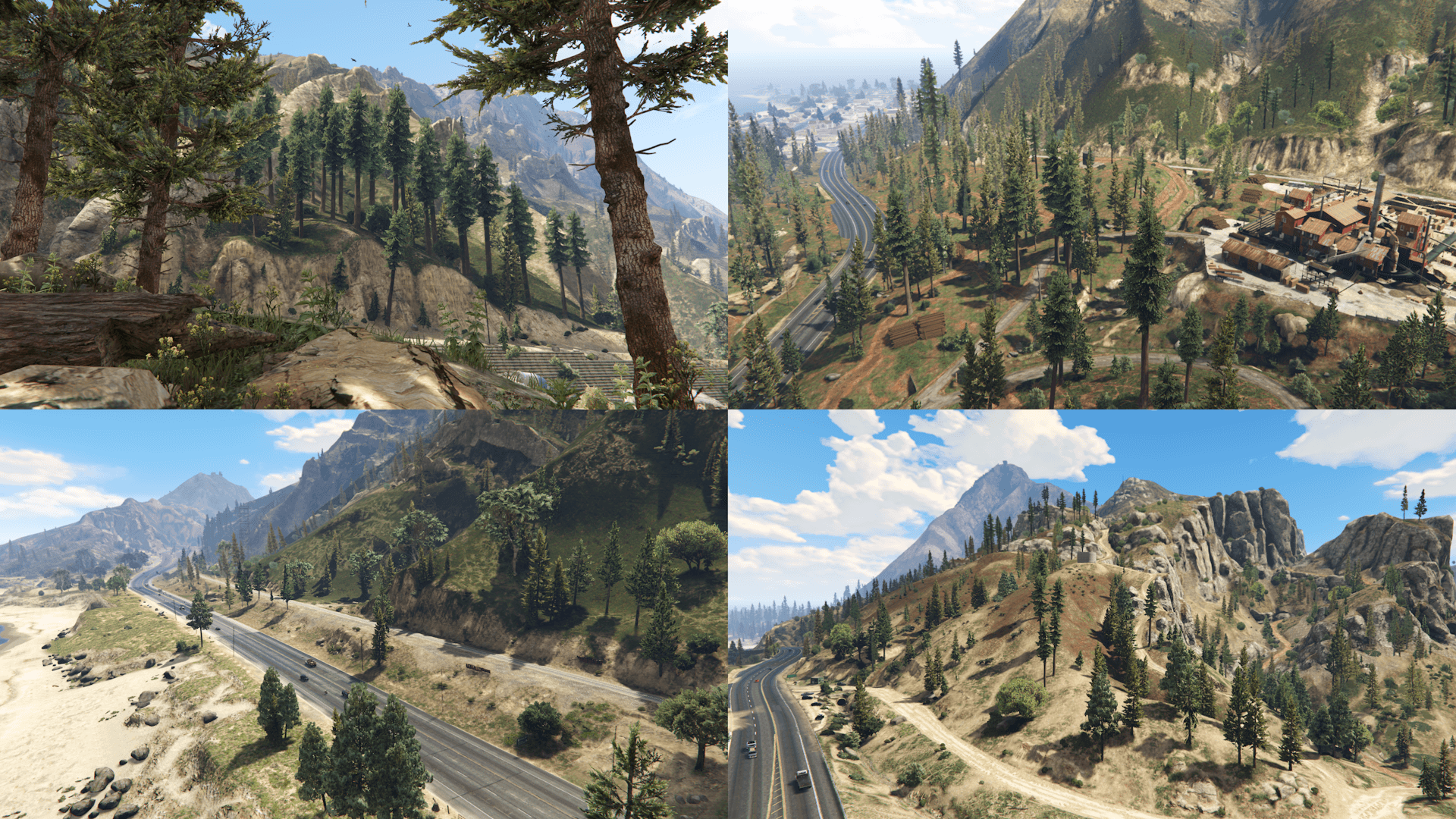
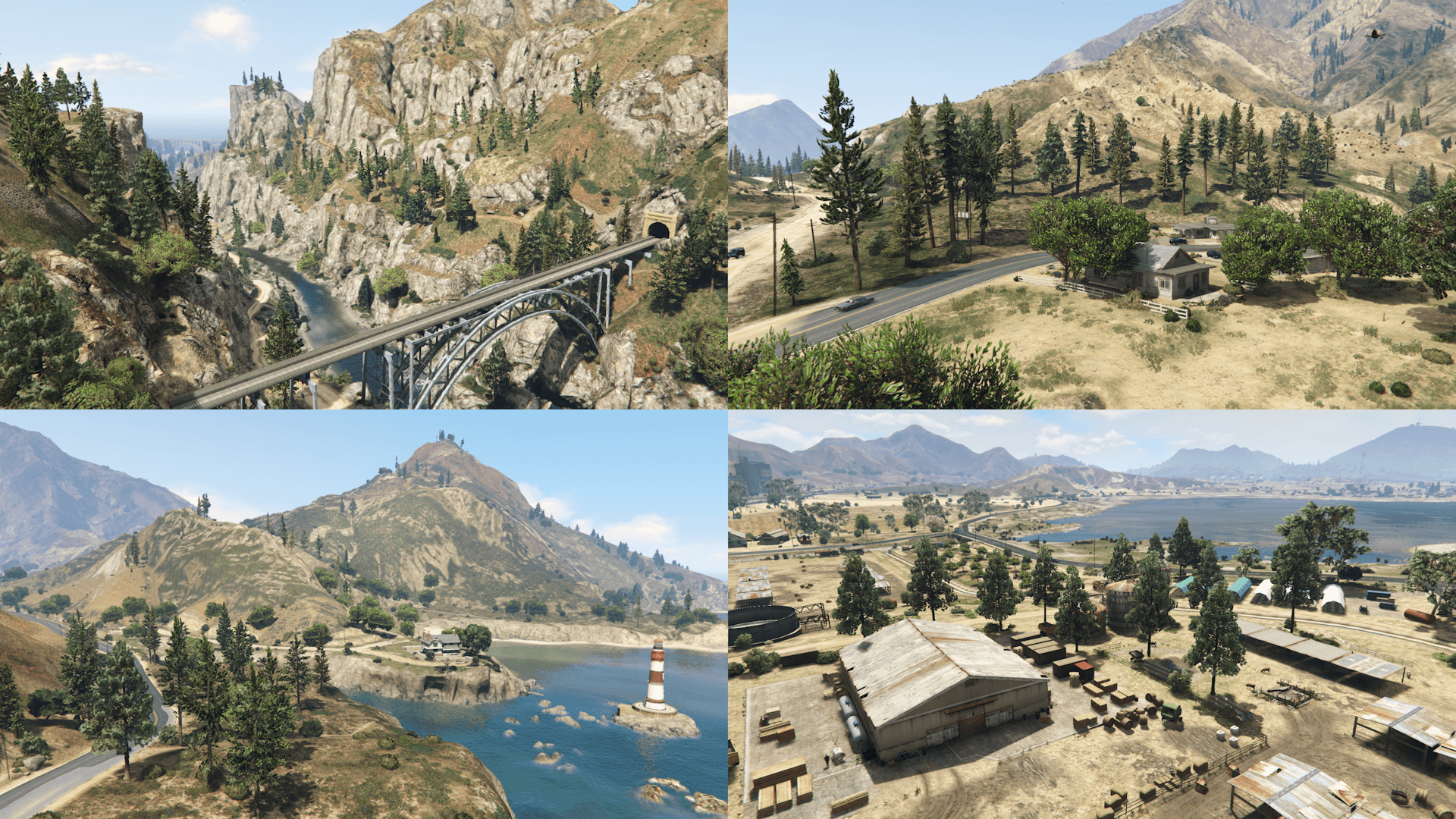
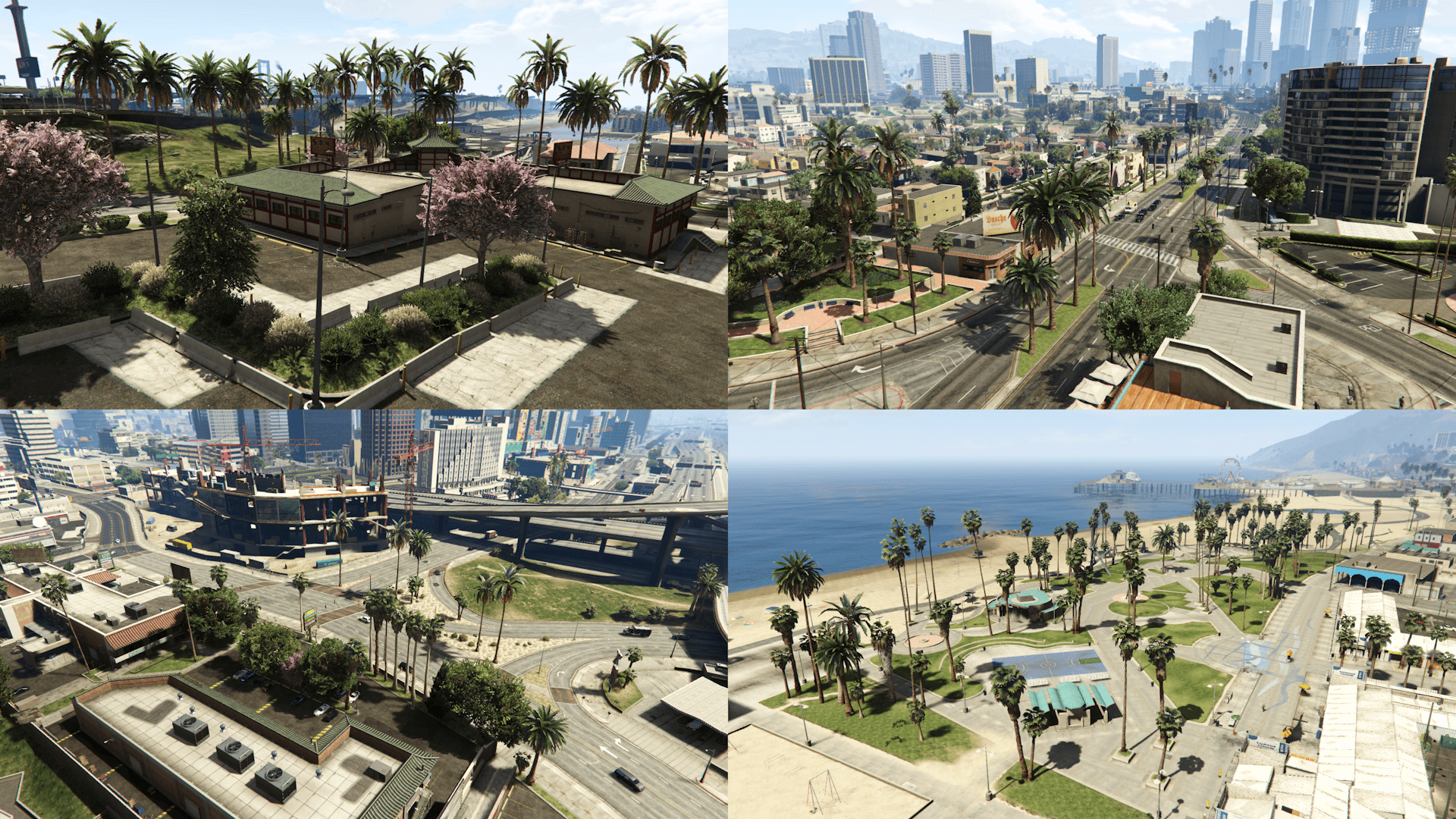
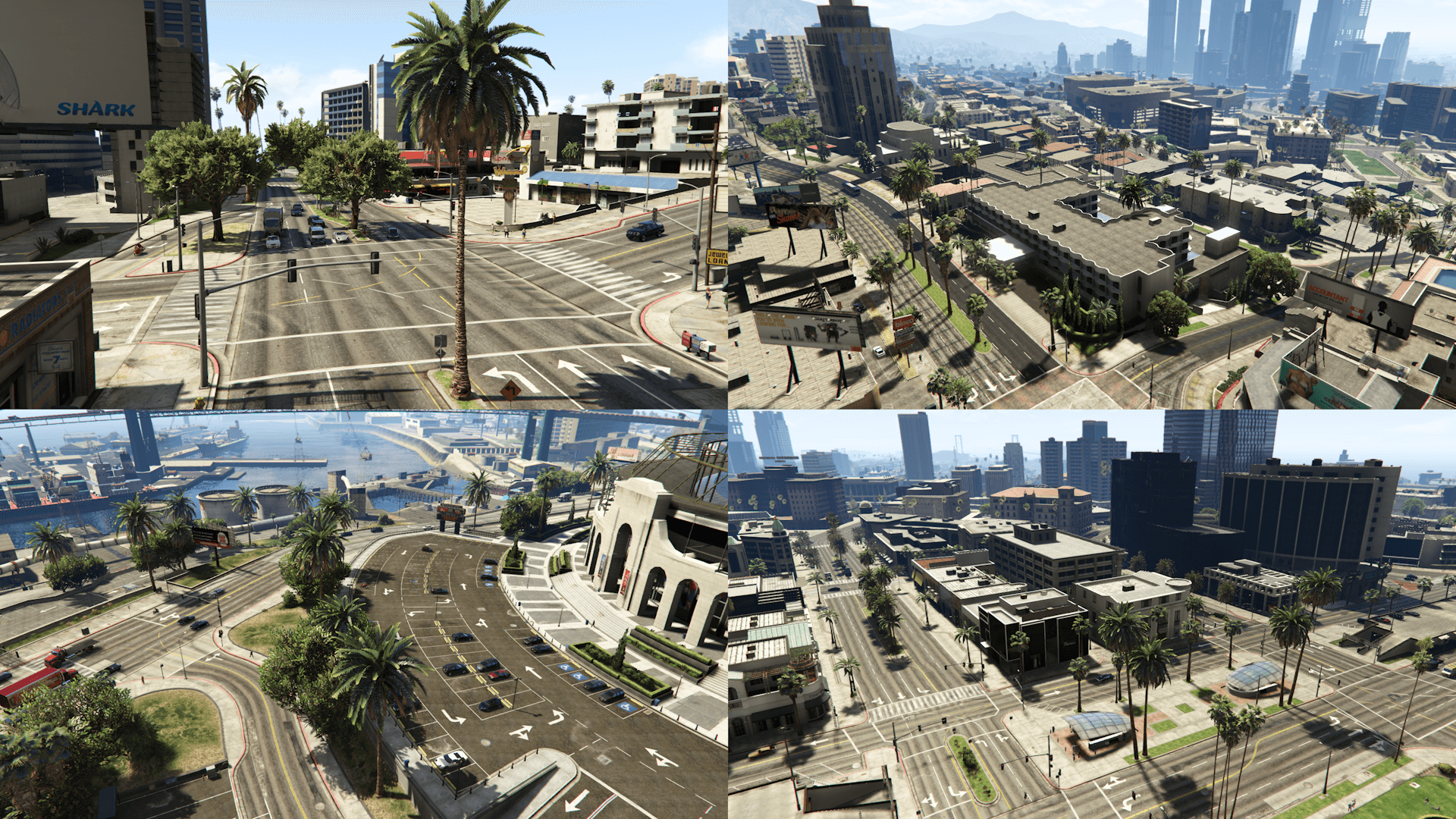
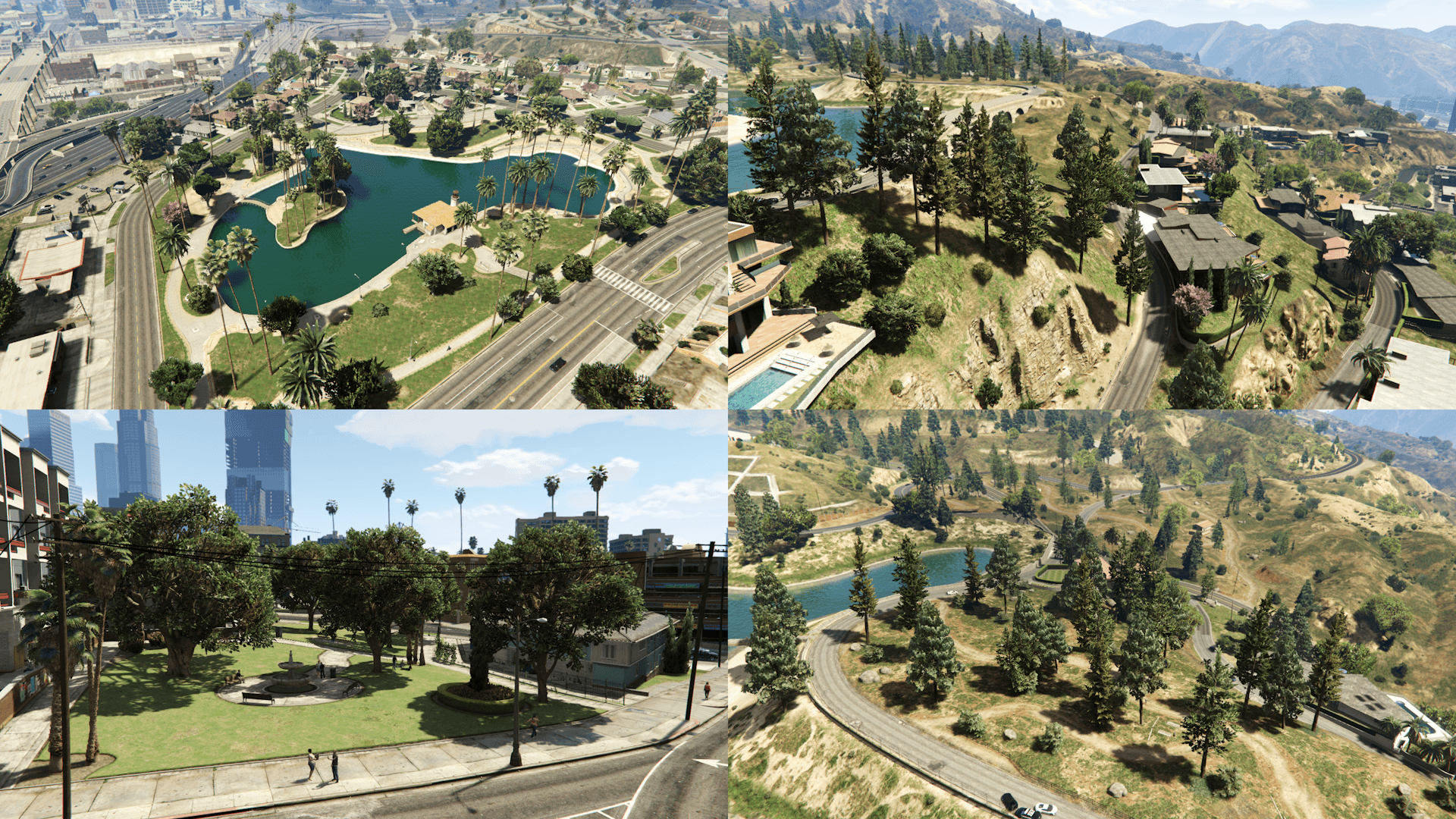
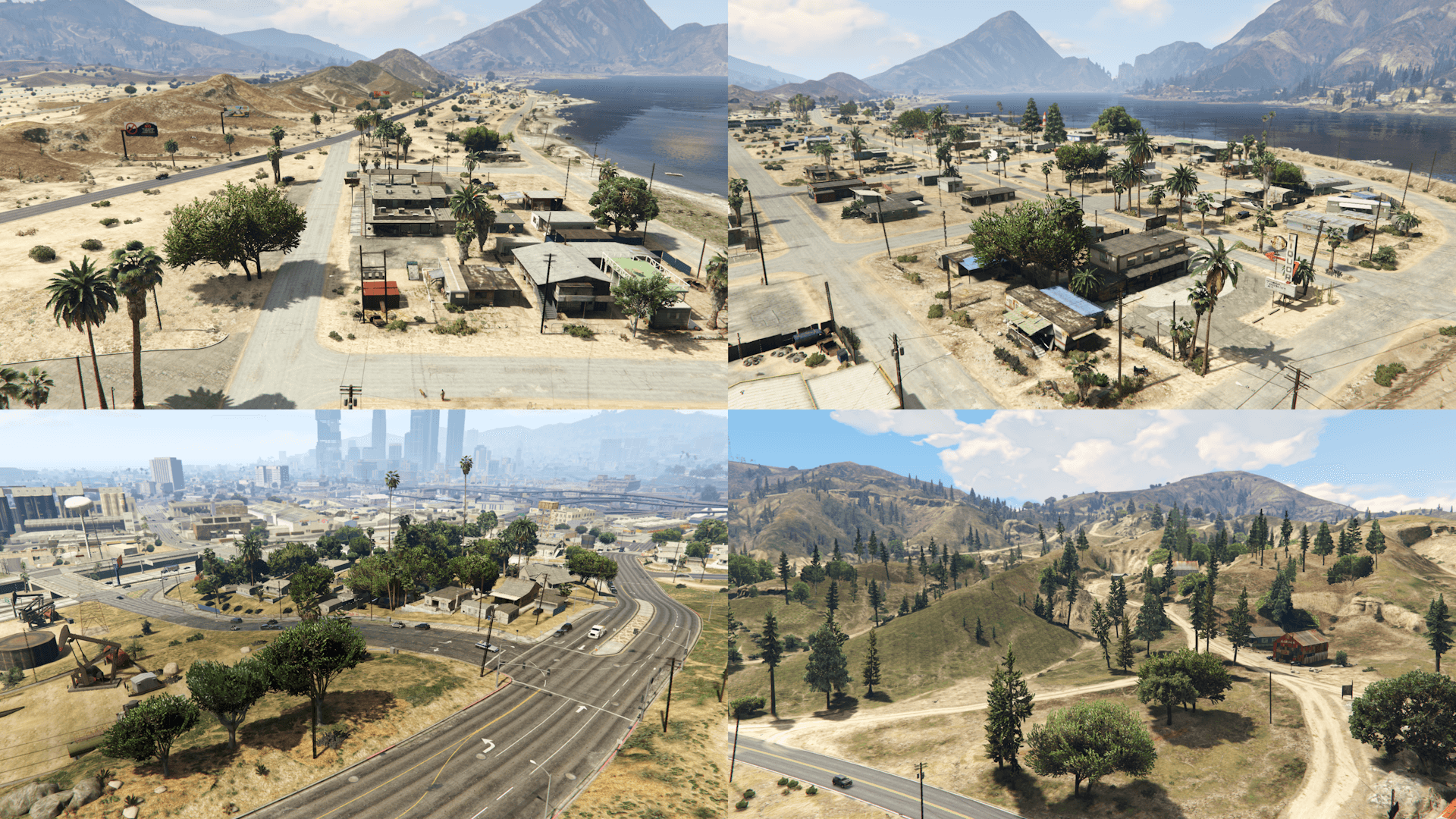
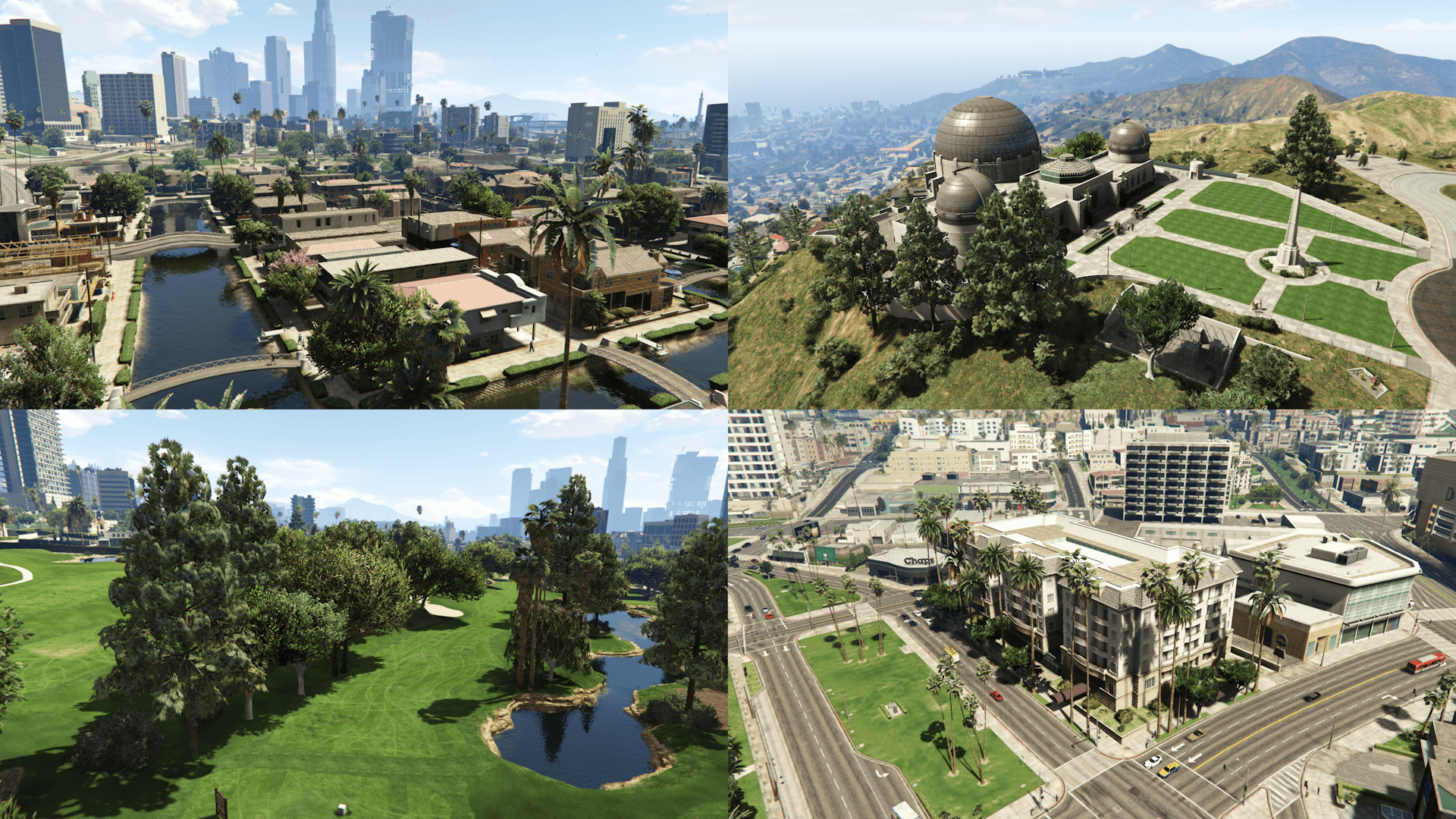
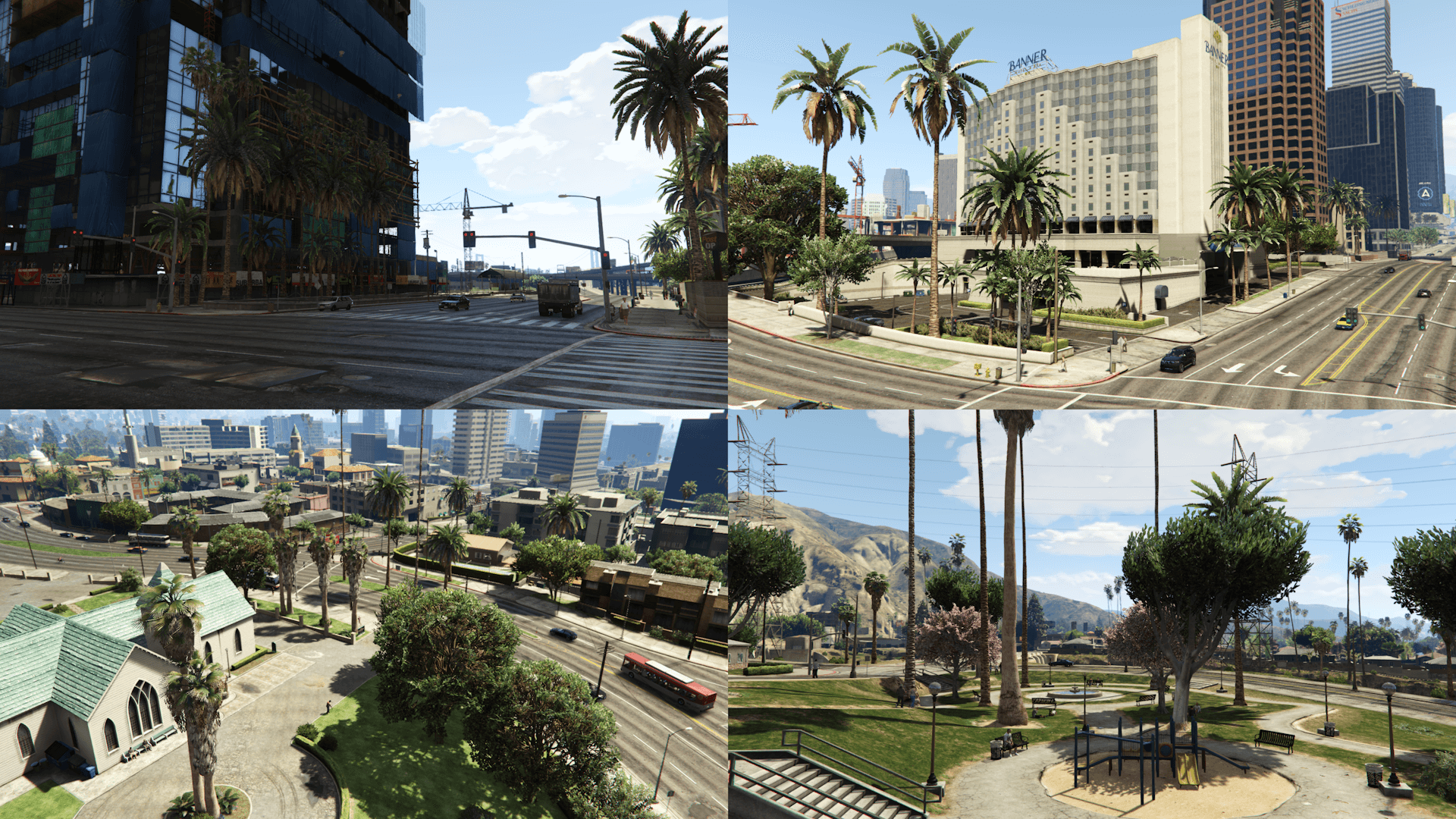
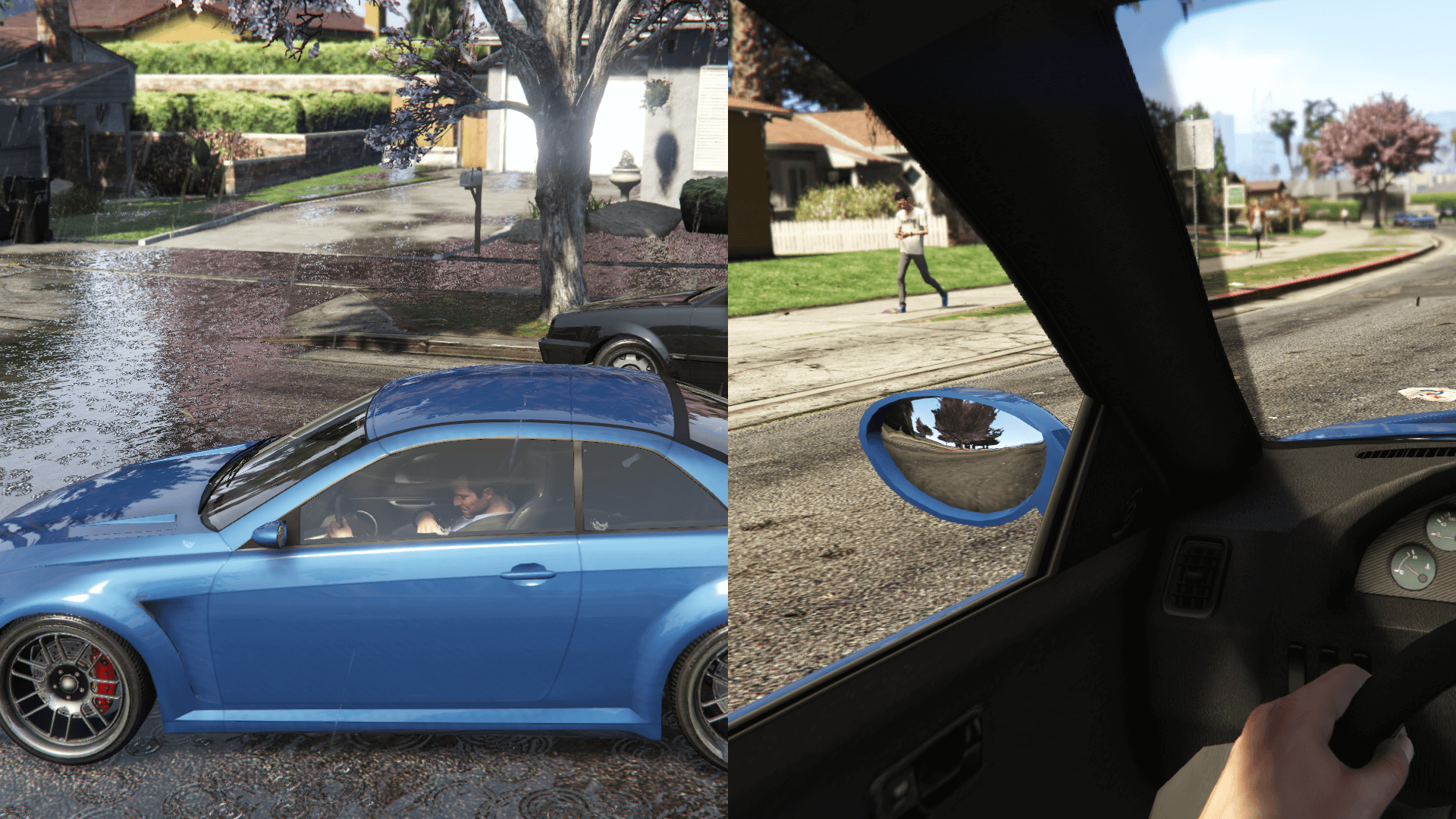
This mod restores, by modifying the existing assets and recreating them from scratch, props placements and also changes various map assets based on the beta version of the game, using promotional screens and trailers, in game tv shows and commercials, game files/textures and the missions thumbnails as reference
Map Assets changes:
- Colored FIB and IAA buildings lights
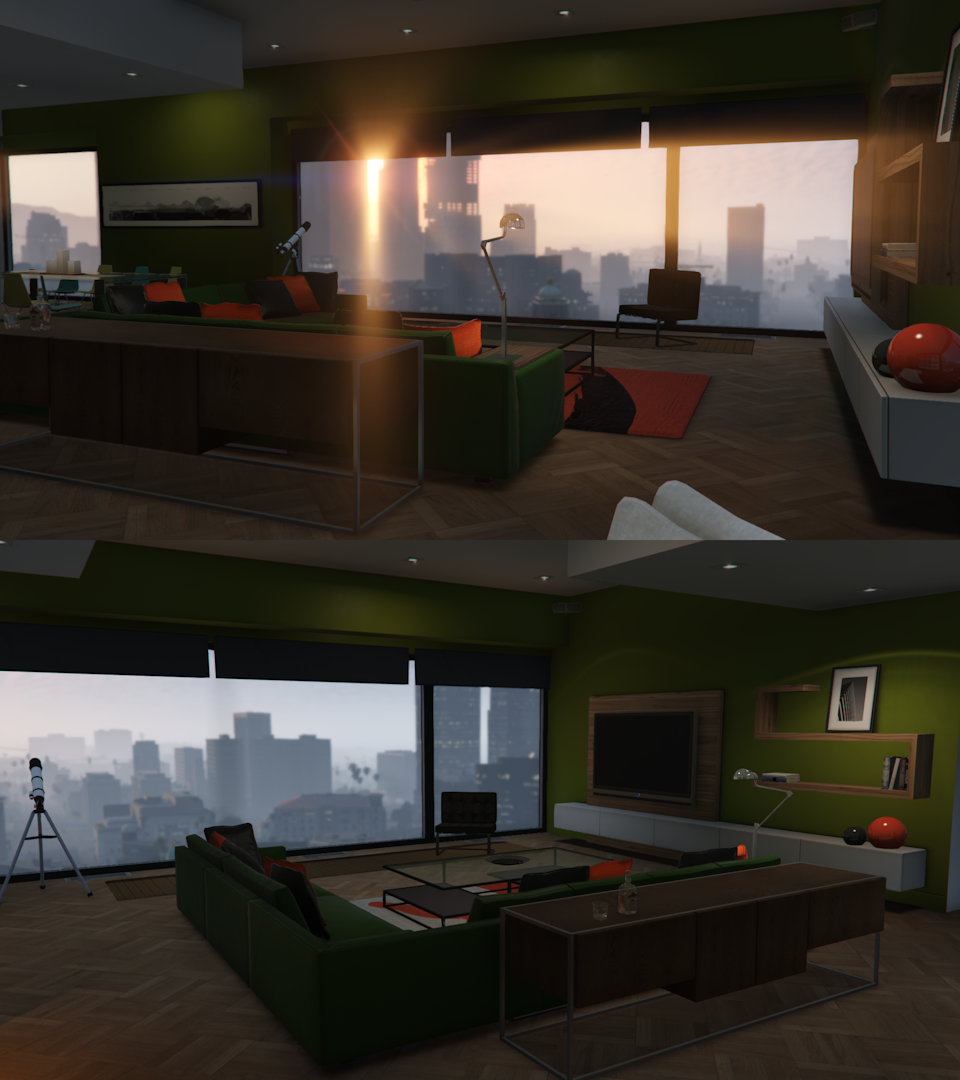
- Franklin's mansion interior
- Vangelico jewelry store interior
- Restored the "OPEN" neon sign at the front of the Liquor Ace
- Green Mirror Park lake
- 2405 house roof texture and color and restored "2405" sidewalk decal
- Red and green 24/7 canopy in Vinewood Boulevard
- Restored the Pisswasser and eCola posters on the Vespucci Market building
- Removed the hedge outside the Banner Hotel in Pillbox Hill
- Restored an emissive outside the 24/7 in Little Seoul
Map Placements locations:
- Alta
- Burton
- Grand Senora Desert
- Grapeseed
- Great Chaparral
- Hawick
- Kortz Center
- La Puerta
- Little Seoul
- Maze Bank Arena
- Mirror Park
- Morningwood
- Mount Chiliad
- Mount Gordo
- Pacific Bluffs
- Paleto Bay
- Paleto Forest
- Rockford Hills
- Richman
- GWC and Golfing Society
- Pillbox Hill
- Sandy Shores
- Del Perro
- Cypress Flats
- East, Downtown and West Vinewood
- Vinewood Hills
- Cassidy Creek
- Raton Canyon
- Chiliad Mountain State Wilderness
- South LS (Strawberry, Chamberlain Hills, Rancho)
- El Burro Heights
- La Mesa
- Palomino Highlands
- Vespucci, Vespucci Beach, Vespucci Canals
- San Chianski Mountains Range
- Palmer-Taylor Power Station
Requirements:
- Legacy: OpenIV.asi and fwBoxStreamerVariable Patch
- Enhanced: OpenRPF
Installation (Legacy):
- Move the "spbmr_01" and "spbmr_02" folders in "mods\update\x64\dlcpacks" and add "<Item>dlcpacks:/spBMR_01/</Item>" and "<Item>dlcpacks:/spBMR_02/</Item>" to the "dlclist.xml"
- MP Map Files: import "hei_dt1_20_0.ybn" in "mods\update\x64\dlcpacks\mpheist\dlc.rpf\x64\levels\gta5\_citye\downtown_01\dt1_20.rpf"
- Optionals: the installation instructions are included in the folder of each optional inside archive
Installation (Enhanced):
- Move the "spBMR_01_Gen9" and "spBMR_02_Gen9" folders in "mods\update\x64\dlcpacks" and add "<Item>dlcpacks:/spBMR_01_Gen9/</Item>" and "<Item>dlcpacks:/spBMR_02_Gen9/</Item>" to the "dlclist.xml"
- MP Map Files: import "hei_dt1_20_0.ybn" in "mods\update\x64\dlcpacks\mpheist\dlc.rpf\x64\levels\gta5\_citye\downtown_01\dt1_20.rpf"
- Optionals: the installation instructions are included in the folder of each optional inside archive
Special Thanks:
- All the people that contributed to the GTA V Beta Hunt topic on GTAForums for all the findings
- dexyfex for Codewalker
- Skylumz for Sollumz
- The OpenIV Team for OpenIV
- 3Doomer for GIMS Evo
- Neos7 for the GTA V Map Helper
- Dekurwinator for info about flags and other map related stuff
- Stryfaar for the modified Mirror Park lake
- Larcius for the gta5-modding-utils script
- FIFASam for V Creator
Changelog:
v2.8:
Legacy:
- Split the content into two packs
- Made the "Rotated Tinsel Tower Apt 45" into an optional
- Updated the "Vegetation Reflection" optional
- Removed "hei_whw1_blimp.ymap" and the OIV package as well (as there's only a single file to import now)
- Removed the "Disable Content" optional
- Updated the installation instructions
Enhanced:
- Updated the "spBMR_02_Gen9" pack
- Removed "hei_whw1_blimp.ymap" from the "MP Map Files" folder
- Updated the "Rotated Tinsel Tower Apt 45" optional
This mod restores, by modifying the existing assets and recreating them from scratch, props placements and also changes various map assets based on the beta version of the game, using promotional screens and trailers, in game tv shows and commercials, game files/textures and the missions thumbnails as reference
Map Assets changes:
- Colored FIB and IAA buildings lights
- Franklin's mansion interior
- Vangelico jewelry store interior
- Restored the "OPEN" neon sign at the front of the Liquor Ace
- Green Mirror Park lake
- 2405 house roof texture and color and restored "2405" sidewalk decal
- Red and green 24/7 canopy in Vinewood Boulevard
- Restored the Pisswasser and eCola posters on the Vespucci Market building
- Removed the hedge outside the Banner Hotel in Pillbox Hill
- Restored an emissive outside the 24/7 in Little Seoul
Map Placements locations:
- Alta
- Burton
- Grand Senora Desert
- Grapeseed
- Great Chaparral
- Hawick
- Kortz Center
- La Puerta
- Little Seoul
- Maze Bank Arena
- Mirror Park
- Morningwood
- Mount Chiliad
- Mount Gordo
- Pacific Bluffs
- Paleto Bay
- Paleto Forest
- Rockford Hills
- Richman
- GWC and Golfing Society
- Pillbox Hill
- Sandy Shores
- Del Perro
- Cypress Flats
- East, Downtown and West Vinewood
- Vinewood Hills
- Cassidy Creek
- Raton Canyon
- Chiliad Mountain State Wilderness
- South LS (Strawberry, Chamberlain Hills, Rancho)
- El Burro Heights
- La Mesa
- Palomino Highlands
- Vespucci, Vespucci Beach, Vespucci Canals
- San Chianski Mountains Range
- Palmer-Taylor Power Station
Requirements:
- Legacy: OpenIV.asi and fwBoxStreamerVariable Patch
- Enhanced: OpenRPF
Installation (Legacy):
- Move the "spbmr_01" and "spbmr_02" folders in "mods\update\x64\dlcpacks" and add "<Item>dlcpacks:/spBMR_01/</Item>" and "<Item>dlcpacks:/spBMR_02/</Item>" to the "dlclist.xml"
- MP Map Files: import "hei_dt1_20_0.ybn" in "mods\update\x64\dlcpacks\mpheist\dlc.rpf\x64\levels\gta5\_citye\downtown_01\dt1_20.rpf"
- Optionals: the installation instructions are included in the folder of each optional inside archive
Installation (Enhanced):
- Move the "spBMR_01_Gen9" and "spBMR_02_Gen9" folders in "mods\update\x64\dlcpacks" and add "<Item>dlcpacks:/spBMR_01_Gen9/</Item>" and "<Item>dlcpacks:/spBMR_02_Gen9/</Item>" to the "dlclist.xml"
- MP Map Files: import "hei_dt1_20_0.ybn" in "mods\update\x64\dlcpacks\mpheist\dlc.rpf\x64\levels\gta5\_citye\downtown_01\dt1_20.rpf"
- Optionals: the installation instructions are included in the folder of each optional inside archive
Special Thanks:
- All the people that contributed to the GTA V Beta Hunt topic on GTAForums for all the findings
- dexyfex for Codewalker
- Skylumz for Sollumz
- The OpenIV Team for OpenIV
- 3Doomer for GIMS Evo
- Neos7 for the GTA V Map Helper
- Dekurwinator for info about flags and other map related stuff
- Stryfaar for the modified Mirror Park lake
- Larcius for the gta5-modding-utils script
- FIFASam for V Creator
Changelog:
v2.8:
Legacy:
- Split the content into two packs
- Made the "Rotated Tinsel Tower Apt 45" into an optional
- Updated the "Vegetation Reflection" optional
- Removed "hei_whw1_blimp.ymap" and the OIV package as well (as there's only a single file to import now)
- Removed the "Disable Content" optional
- Updated the installation instructions
Enhanced:
- Updated the "spBMR_02_Gen9" pack
- Removed "hei_whw1_blimp.ymap" from the "MP Map Files" folder
- Updated the "Rotated Tinsel Tower Apt 45" optional
Subido por primera vez: 14 de agosto de 2017
Última actualización: 1 de mayo de 2025
Descarga más reciente: hace 10 minutos
891 Comentarios
More mods by Alex106:

- Gráficos
- Destacado
4.96
34.951
417
17.06.25
By Alex106
Information:
This mod restores, by modifying the existing assets and recreating them from scratch, props placements and also changes various map assets based on the beta version of the game, using promotional screens and trailers, in game tv shows and commercials, game files/textures and the missions thumbnails as reference
Map Assets changes:
- Colored FIB and IAA buildings lights
- Franklin's mansion interior
- Vangelico jewelry store interior
- Restored the "OPEN" neon sign at the front of the Liquor Ace
- Green Mirror Park lake
- 2405 house roof texture and color and restored "2405" sidewalk decal
- Red and green 24/7 canopy in Vinewood Boulevard
- Restored the Pisswasser and eCola posters on the Vespucci Market building
- Removed the hedge outside the Banner Hotel in Pillbox Hill
- Restored an emissive outside the 24/7 in Little Seoul
Map Placements locations:
- Alta
- Burton
- Grand Senora Desert
- Grapeseed
- Great Chaparral
- Hawick
- Kortz Center
- La Puerta
- Little Seoul
- Maze Bank Arena
- Mirror Park
- Morningwood
- Mount Chiliad
- Mount Gordo
- Pacific Bluffs
- Paleto Bay
- Paleto Forest
- Rockford Hills
- Richman
- GWC and Golfing Society
- Pillbox Hill
- Sandy Shores
- Del Perro
- Cypress Flats
- East, Downtown and West Vinewood
- Vinewood Hills
- Cassidy Creek
- Raton Canyon
- Chiliad Mountain State Wilderness
- South LS (Strawberry, Chamberlain Hills, Rancho)
- El Burro Heights
- La Mesa
- Palomino Highlands
- Vespucci, Vespucci Beach, Vespucci Canals
- San Chianski Mountains Range
- Palmer-Taylor Power Station
Requirements:
- Legacy: OpenIV.asi and fwBoxStreamerVariable Patch
- Enhanced: OpenRPF
Installation (Legacy):
- Move the "spbmr_01" and "spbmr_02" folders in "mods\update\x64\dlcpacks" and add "<Item>dlcpacks:/spBMR_01/</Item>" and "<Item>dlcpacks:/spBMR_02/</Item>" to the "dlclist.xml"
- MP Map Files: import "hei_dt1_20_0.ybn" in "mods\update\x64\dlcpacks\mpheist\dlc.rpf\x64\levels\gta5\_citye\downtown_01\dt1_20.rpf"
- Optionals: the installation instructions are included in the folder of each optional inside archive
Installation (Enhanced):
- Move the "spBMR_01_Gen9" and "spBMR_02_Gen9" folders in "mods\update\x64\dlcpacks" and add "<Item>dlcpacks:/spBMR_01_Gen9/</Item>" and "<Item>dlcpacks:/spBMR_02_Gen9/</Item>" to the "dlclist.xml"
- MP Map Files: import "hei_dt1_20_0.ybn" in "mods\update\x64\dlcpacks\mpheist\dlc.rpf\x64\levels\gta5\_citye\downtown_01\dt1_20.rpf"
- Optionals: the installation instructions are included in the folder of each optional inside archive
Special Thanks:
- All the people that contributed to the GTA V Beta Hunt topic on GTAForums for all the findings
- dexyfex for Codewalker
- Skylumz for Sollumz
- The OpenIV Team for OpenIV
- 3Doomer for GIMS Evo
- Neos7 for the GTA V Map Helper
- Dekurwinator for info about flags and other map related stuff
- Stryfaar for the modified Mirror Park lake
- Larcius for the gta5-modding-utils script
- FIFASam for V Creator
Changelog:
v2.8:
Legacy:
- Split the content into two packs
- Made the "Rotated Tinsel Tower Apt 45" into an optional
- Updated the "Vegetation Reflection" optional
- Removed "hei_whw1_blimp.ymap" and the OIV package as well (as there's only a single file to import now)
- Removed the "Disable Content" optional
- Updated the installation instructions
Enhanced:
- Updated the "spBMR_02_Gen9" pack
- Removed "hei_whw1_blimp.ymap" from the "MP Map Files" folder
- Updated the "Rotated Tinsel Tower Apt 45" optional
This mod restores, by modifying the existing assets and recreating them from scratch, props placements and also changes various map assets based on the beta version of the game, using promotional screens and trailers, in game tv shows and commercials, game files/textures and the missions thumbnails as reference
Map Assets changes:
- Colored FIB and IAA buildings lights
- Franklin's mansion interior
- Vangelico jewelry store interior
- Restored the "OPEN" neon sign at the front of the Liquor Ace
- Green Mirror Park lake
- 2405 house roof texture and color and restored "2405" sidewalk decal
- Red and green 24/7 canopy in Vinewood Boulevard
- Restored the Pisswasser and eCola posters on the Vespucci Market building
- Removed the hedge outside the Banner Hotel in Pillbox Hill
- Restored an emissive outside the 24/7 in Little Seoul
Map Placements locations:
- Alta
- Burton
- Grand Senora Desert
- Grapeseed
- Great Chaparral
- Hawick
- Kortz Center
- La Puerta
- Little Seoul
- Maze Bank Arena
- Mirror Park
- Morningwood
- Mount Chiliad
- Mount Gordo
- Pacific Bluffs
- Paleto Bay
- Paleto Forest
- Rockford Hills
- Richman
- GWC and Golfing Society
- Pillbox Hill
- Sandy Shores
- Del Perro
- Cypress Flats
- East, Downtown and West Vinewood
- Vinewood Hills
- Cassidy Creek
- Raton Canyon
- Chiliad Mountain State Wilderness
- South LS (Strawberry, Chamberlain Hills, Rancho)
- El Burro Heights
- La Mesa
- Palomino Highlands
- Vespucci, Vespucci Beach, Vespucci Canals
- San Chianski Mountains Range
- Palmer-Taylor Power Station
Requirements:
- Legacy: OpenIV.asi and fwBoxStreamerVariable Patch
- Enhanced: OpenRPF
Installation (Legacy):
- Move the "spbmr_01" and "spbmr_02" folders in "mods\update\x64\dlcpacks" and add "<Item>dlcpacks:/spBMR_01/</Item>" and "<Item>dlcpacks:/spBMR_02/</Item>" to the "dlclist.xml"
- MP Map Files: import "hei_dt1_20_0.ybn" in "mods\update\x64\dlcpacks\mpheist\dlc.rpf\x64\levels\gta5\_citye\downtown_01\dt1_20.rpf"
- Optionals: the installation instructions are included in the folder of each optional inside archive
Installation (Enhanced):
- Move the "spBMR_01_Gen9" and "spBMR_02_Gen9" folders in "mods\update\x64\dlcpacks" and add "<Item>dlcpacks:/spBMR_01_Gen9/</Item>" and "<Item>dlcpacks:/spBMR_02_Gen9/</Item>" to the "dlclist.xml"
- MP Map Files: import "hei_dt1_20_0.ybn" in "mods\update\x64\dlcpacks\mpheist\dlc.rpf\x64\levels\gta5\_citye\downtown_01\dt1_20.rpf"
- Optionals: the installation instructions are included in the folder of each optional inside archive
Special Thanks:
- All the people that contributed to the GTA V Beta Hunt topic on GTAForums for all the findings
- dexyfex for Codewalker
- Skylumz for Sollumz
- The OpenIV Team for OpenIV
- 3Doomer for GIMS Evo
- Neos7 for the GTA V Map Helper
- Dekurwinator for info about flags and other map related stuff
- Stryfaar for the modified Mirror Park lake
- Larcius for the gta5-modding-utils script
- FIFASam for V Creator
Changelog:
v2.8:
Legacy:
- Split the content into two packs
- Made the "Rotated Tinsel Tower Apt 45" into an optional
- Updated the "Vegetation Reflection" optional
- Removed "hei_whw1_blimp.ymap" and the OIV package as well (as there's only a single file to import now)
- Removed the "Disable Content" optional
- Updated the installation instructions
Enhanced:
- Updated the "spBMR_02_Gen9" pack
- Removed "hei_whw1_blimp.ymap" from the "MP Map Files" folder
- Updated the "Rotated Tinsel Tower Apt 45" optional
Subido por primera vez: 14 de agosto de 2017
Última actualización: 1 de mayo de 2025
Descarga más reciente: hace 10 minutos
 5mods on Discord

How do I open the update.rpf file to edit the dlclist.xml file?
Because without OpenIV, we can't?
Please help me :D
@BubulleTeam Rename game executable to GTA5 like legacy, instead of GTA5 Enhanced, then OpenIV will reckon the game and you can customize, but don't install any tools like .asi loaders or anything else, use just as an edit tool, otherwise you gonna break your game.
ok thank you very much it works perfectly :D
I still use openiv to install mods but codewaker is annoying but it's good for converting gen8 mods
@Alex106 thanks! it actually looks really good, i'll definitely download it now
@Alex106 I'm not sure why but i can't seem to install this i've tried multiple times for the enhanced game and it doesn't seem to work i've tried more then once with OpenIV and everytime i followed everything correctly the game would just crash on startup. smh
THIS WORKS WITH ENHANCED???
@waffl7 Are you playing with the MP map enabled? For some reason, a specific (but not really used) DLC archive causes a crash. If that's the case, download Fixes & Improvements which includes a file that fixes this issue
@ShakeZone Yes
@Alex106 no i don't have MP map enabled and i don't plan on enabling it though i'm not sure why this is happening the mod is added to my dlclist and the game seems to load fine but i don't see any changes with the map i even went to every location shown and everything seems the same which is odd...
does this mod and Map Fixes work with NV Enhanced?
does the mod work with Natural Vision Evolved and GTA V Remastered: Enhanced??
@waffl7 Make sure you have added both DLC packs. If you already did that, then I don't know as there isn't much that can go wrong
@khorvair This one should work fine. As for Map Fixes, there's some incompatibilities
@SHiPZ_ It should work fine with NVE. As for GTA V Remastered, there's clipping trees, palms, etc. in certain places
@Alex106 will do but i'm also having a difficult time finding out which dlcpack that i'm missing because the second mission for beverly has him missing when i go to the mission.
@Alex106 Yeah i mean i tried it and same result i did everything correctly... i'm also on a downgraded version 1.3351 to be exact i'm not sure if that matters but it shouldn't last i recall.
@Alex106 Yeah nevermind it's working now it turns out that the Old gen vegetation mod aka this one https://www.gta5-mods.com/misc/old-gen-vegetation-mod was overwritting both this mod and your old vespucci beach sculpture mod... smh
When I try starting the game after installing it on enhanced i keep getting an error and the game won’t start
sorry, I just downloaded GTA 5 enhanced today, and I don't understand how I can make a dlclist.xml? just by renaming txt and writing what you need there?
@nn115 Remove/disable any other mod you have and test again
@GTA Champion No, you need to navigate to "mods\update\update.rpf\common\data", extract the dlclist.xml and add the line from the description and then importt it back
@silada So I open OpenIV once I changed "GTA5_Enhanced.exe to GTA5.exe and edit the dlclist but dont intsall the asi loaders?
Also It dosent work for enhanced I can;t get it to work and when you change "GTA5_Enhanced.exe" to 'GTA5.exe" rockstar gives you an error code